
Step 1: Customers Register
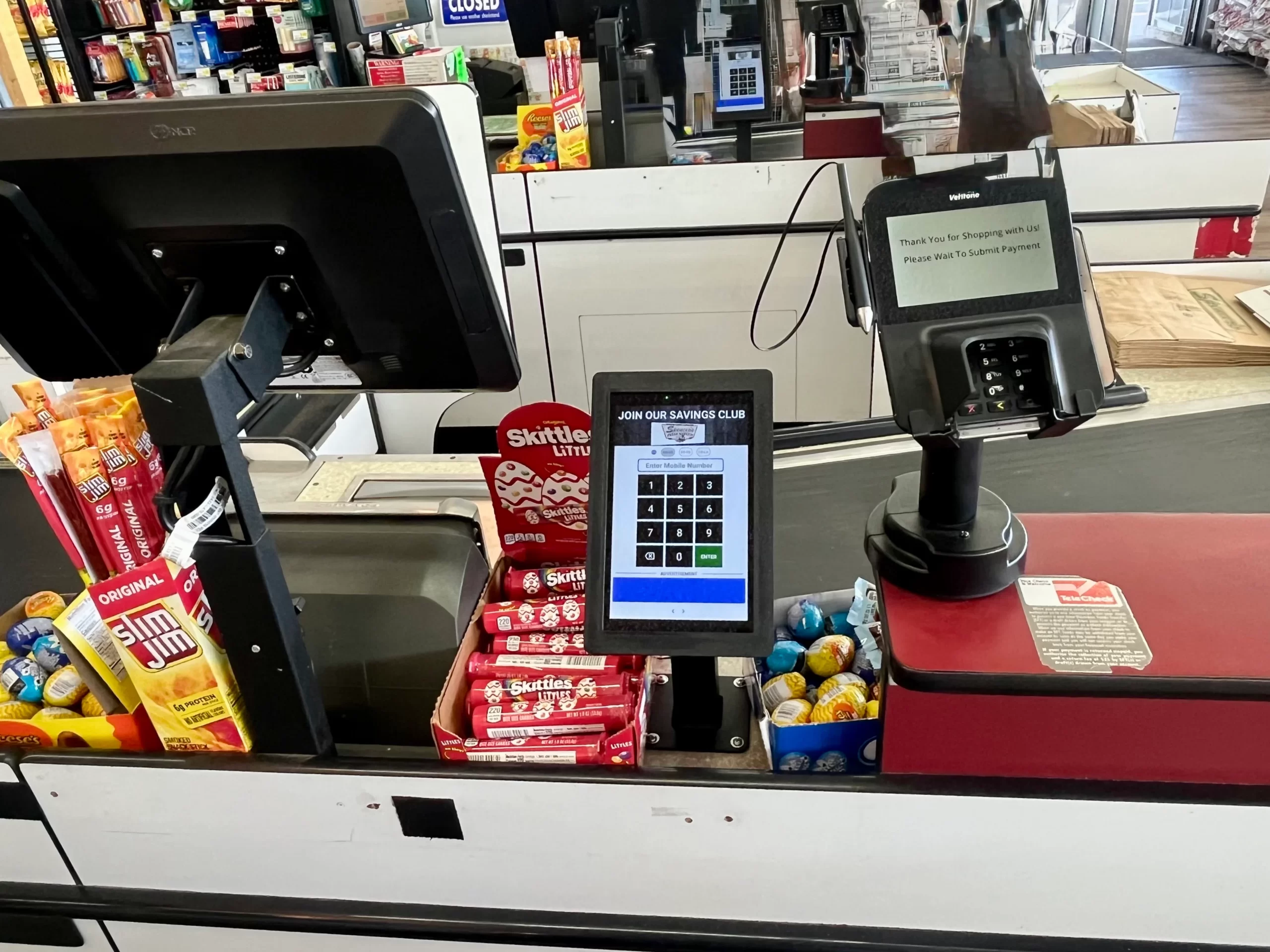
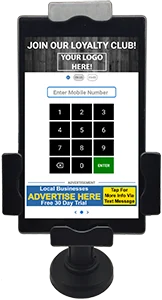
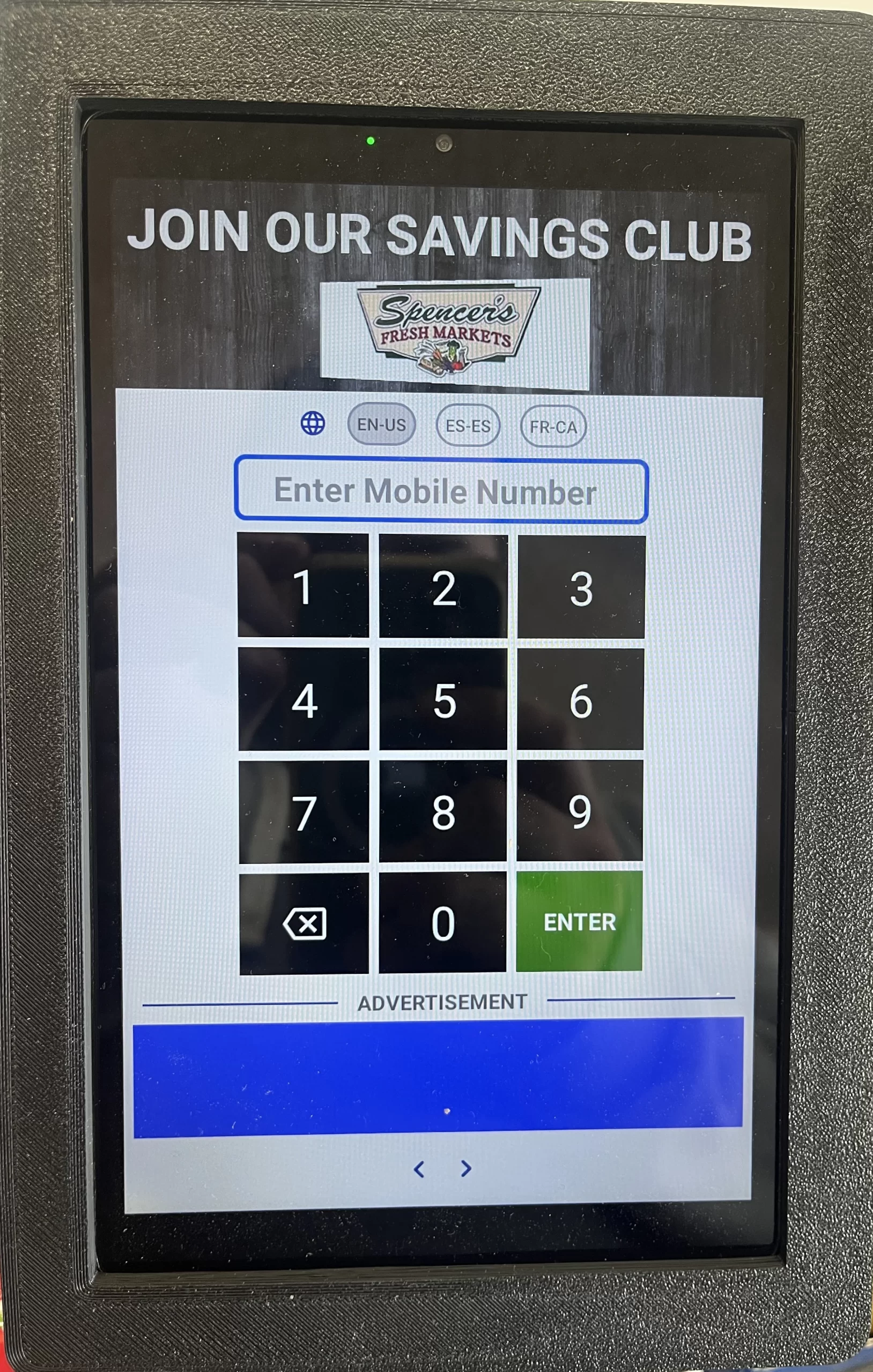
Customers register their phone number on the Sale-Fish tablet during checkout.

Step 2: Upload Sales Ad
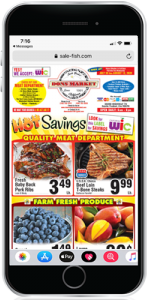
Log in, upload your ad PDF (or use our built-in tools if you don’t have one), and schedule when it should be sent.
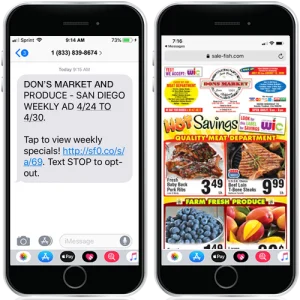
Step 3: Text Delivered
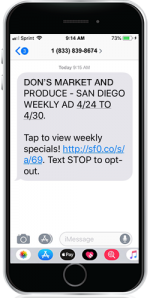
Customers receive a text directly to their phone with a link to your weekly sales ad. No App Needed.
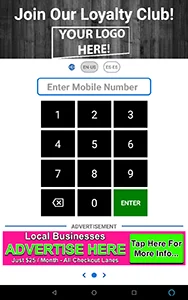
Step 1: Customers Check In
Customers easily check in with their cell phone number at the checkstand-mounted tablet on each visit.
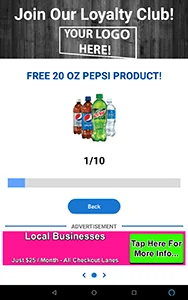
Step 2: Earn Visits
When customers check in, they earn a "visit." You can set the number of visits—from 1 to 100—required to earn a reward.
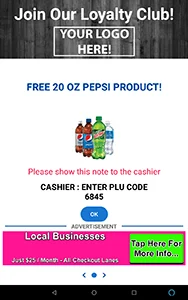
Step 3: Reward Earned
Nothing generates more loyalty than a customer earning a reward. Many of our clients even have their vendors provide the reward!
Ready for Sale-Fish?
Start texting your weekly ads and building loyal customers!
Call Us Today
559-222-7226
OR
Keep scrolling to learn about additional features
of Sale-Fish
to help increase business.
Additional Features
Mystery Coupons
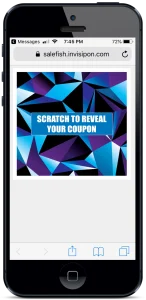
Create a Mystery Coupon and send it directly to all your customers via text message from the Cloud Portal. Customers scratch off to reveal the reward.
Raffle Tickets
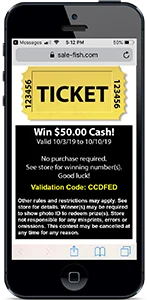
Create a raffle ticket and send it via text message from the Portal to all your customers. Suggestion: Ask your vendors for “freebies” to raffle off or consider partnering with a local business to sponsor the raffle and provide the prize.
Sell Ad Space
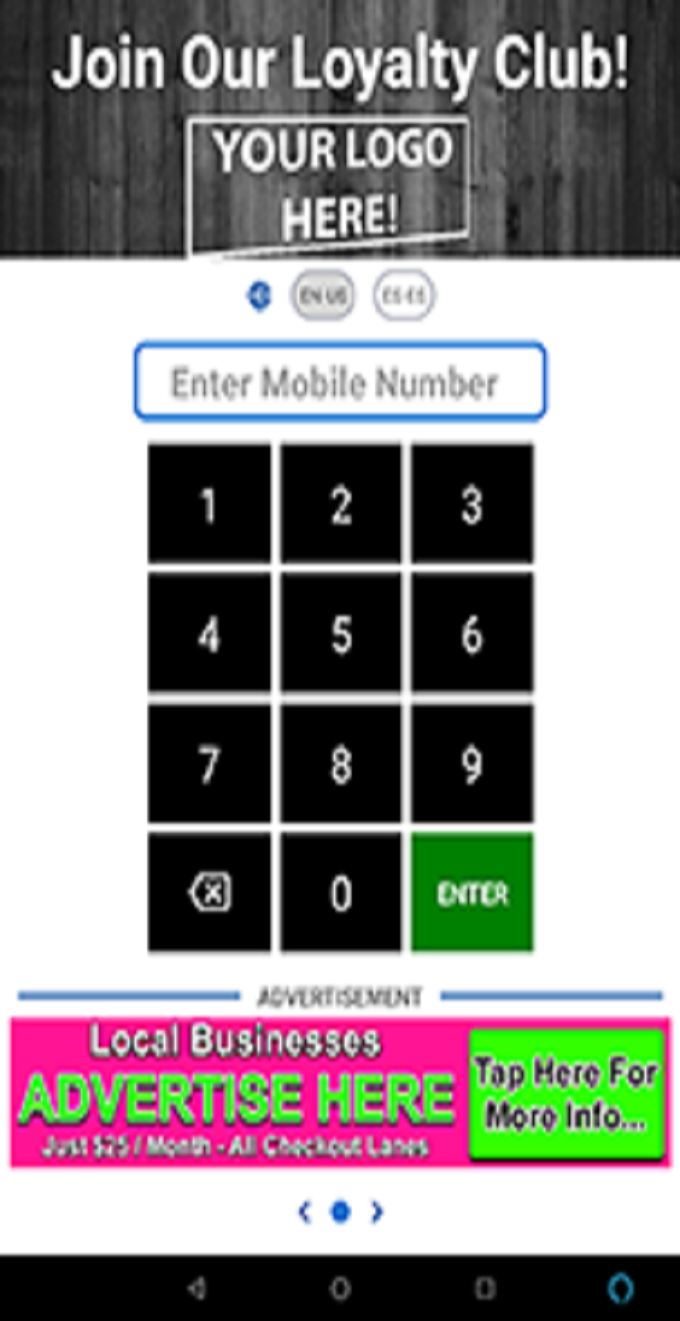
Advertise businesses to help offset or eliminate monthly subscription costs.
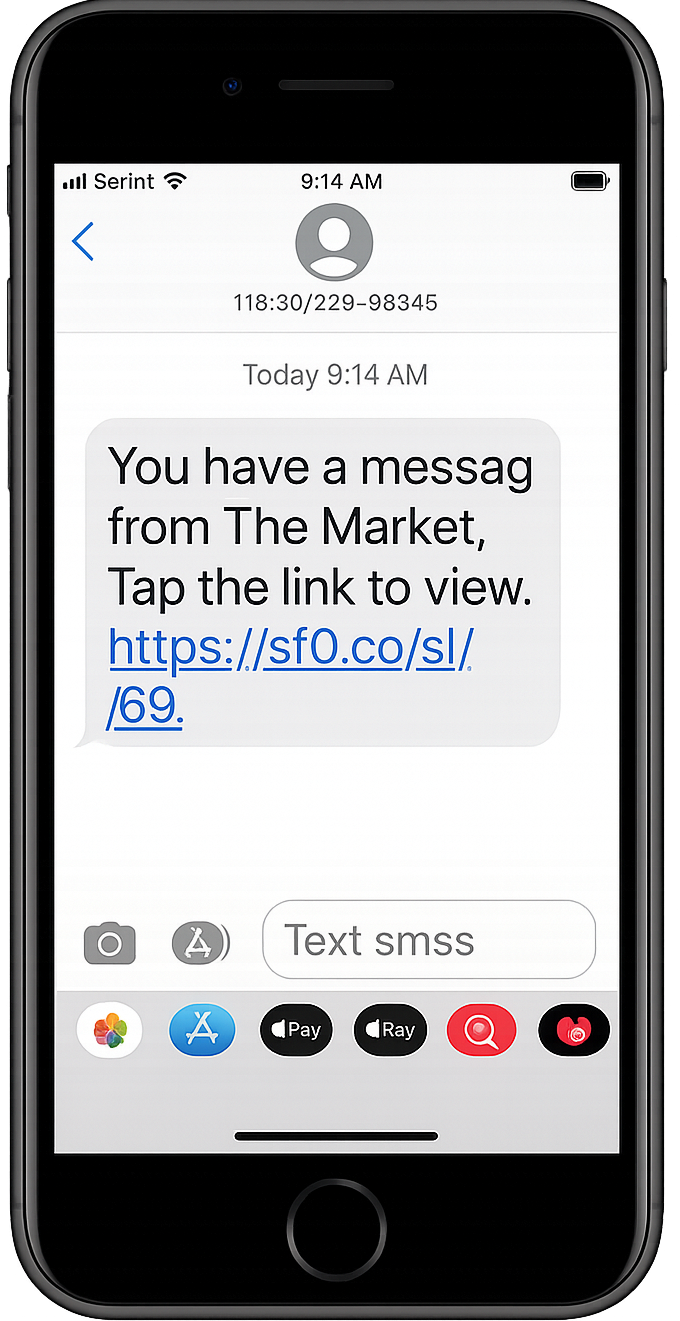
Simple Text
Keep your customers updated with important information about your store. Use the web portal to easily create and schedule your text messages to send immediately or a certain time and date.
Ready for Sale-Fish?
Call Us Today
Start texting your weekly ads and building loyal customers!
559-222-7226